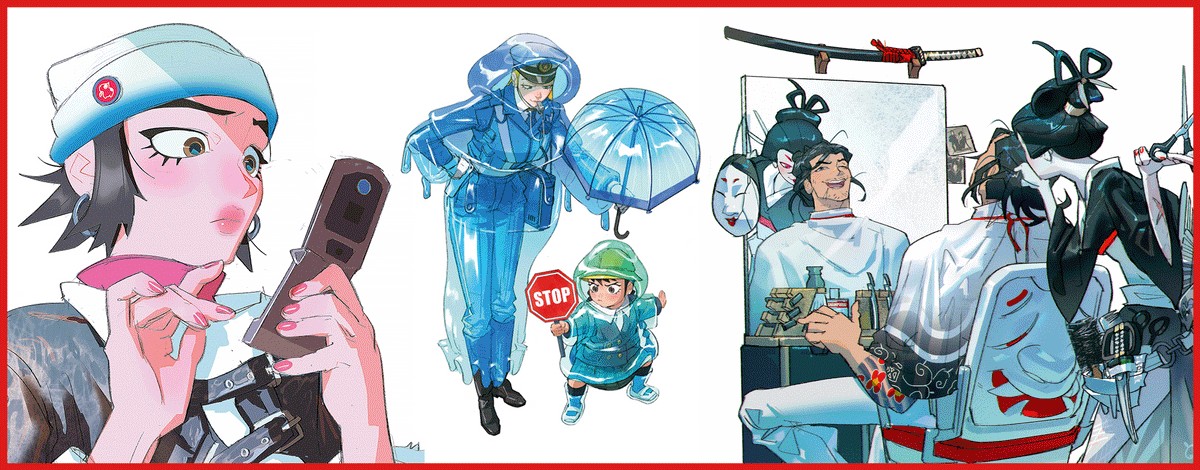
A strong individual image does not automatically make a strong sequence. Storyboarding asks you to think about what happens between the images.
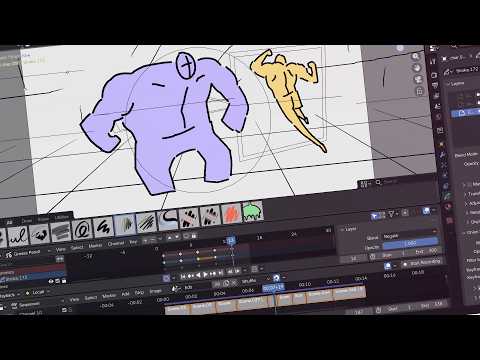
Blender 5.0 introduced a Storyboarding template as part of its November 2025 release. The release page pairs the Video Sequencer with Grease Pencil and includes a demonstration by Blender Studio’s Pablo Fournier. It is a useful workflow to revisit rather than a claim that Blender 5.0 is the newest release.
Drawing meets editorial decisions
The official overview places character drawings and a timeline in the same process. That connection matters: a drawing can establish a pose or composition, while the sequence tests how long the viewer needs to read it and what the next cut changes.
The wider 5.0 release also brought ACES pipeline support, colour-management and HDR improvements. Those are production features with different purposes from storyboarding; they do not replace the need to make a scene readable through staging and timing.
What to watch for in the demonstration
Our suggestion is to watch once for the workflow and again for the decisions. Notice how the drawings are organised in relation to the timeline, then consider where a longer hold or a different shot could change the meaning. Keep a distinction between learning the controls and learning to tell the scene.
For your own experiment, use a simple action: a character enters, notices something and reacts. Draw only what the audience needs to understand. Compare two timings of the same images before adding detail. If the reaction feels unclear, another layer of rendering probably will not solve the underlying problem.
Watch the original tutorial for the actual tools and demonstrations. This article is an introduction to a documented workflow, not a tutorial claiming every control remains identical in later versions.
Watch Blender Studio’s overview ↗